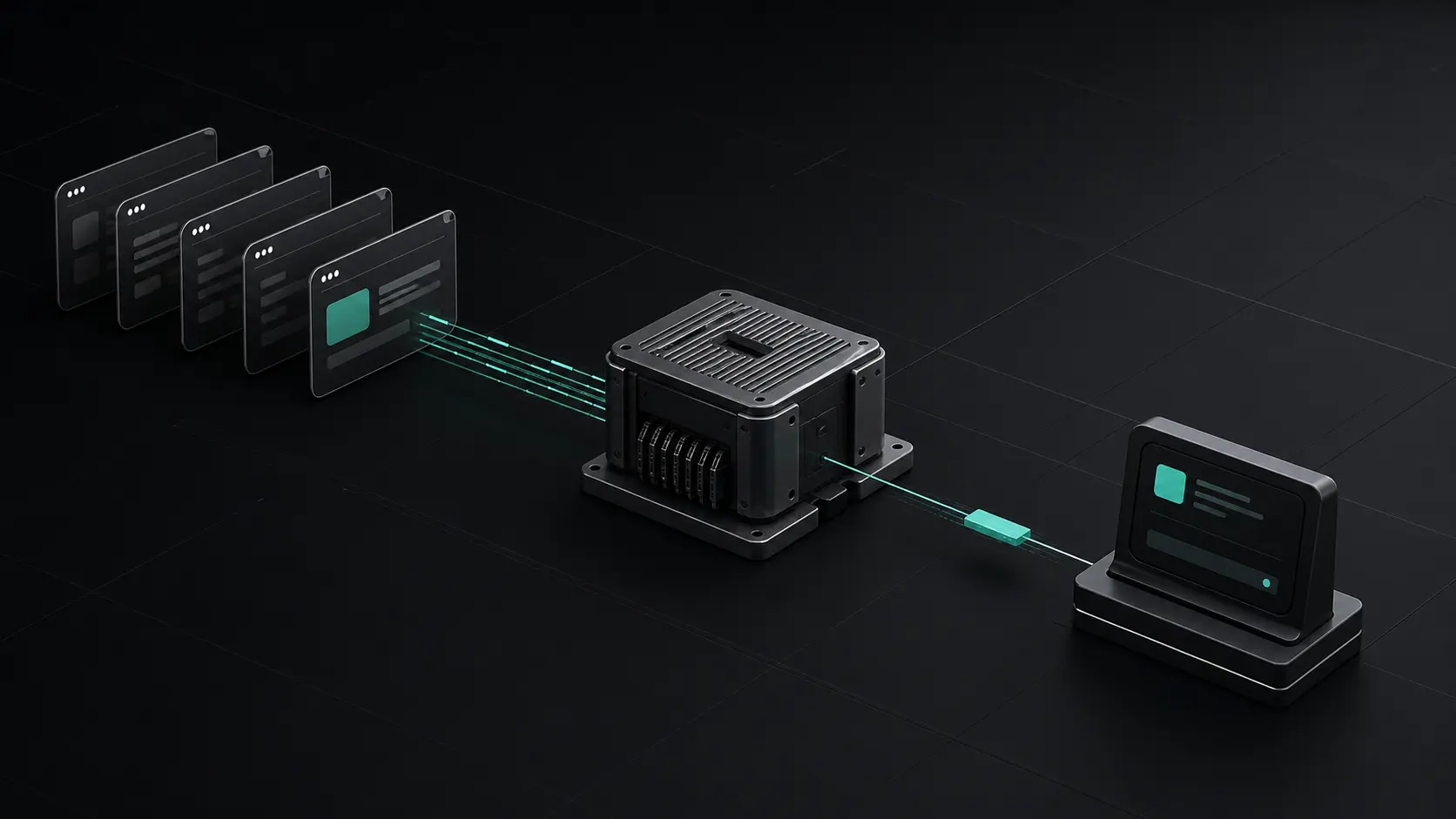
Remote browser transport
Your browser tabs,
connected to your AI.
Select one tab. Work from Codex or Claude Code. Keep every session isolated.
One tab. One boundary.
TabRelay exposes only the browser tab you connect. Your connection ID selects that boundary for the current AI session.
Open the install guidetab_••••••••••••••••A direct route to the tab you chose.
The public relay routes each request to the extension connection that owns the ID.
Tabs stay in their own lane.
The extension resolves a connection ID to its local tab. A request for Tab A cannot silently fall through to Tab B.
No tab content on this page.The public homepage reads aggregate health only.
No connection IDs in URLs.The CLI sends the selected ID in a request header.
Reconnect without guesswork.
Start with the extension popup. Each state tells you what to do next.
Extension shows offline
Keep Chrome open, reopen the TabRelay popup, then choose Reconnect on the selected tab.
Connection ID is rejected
Copy the ID again from the connected tab. Never reuse an ID from another device or tab.
Chrome blocks the page
Chrome internal pages and the extension store cannot be automated. Connect a normal website tab instead.
Connect your first tab.
Install the extension, CLI, and skill. Then copy one connection ID into your AI session.
Install TabRelay